








Kling4
New accounts get free credits to try the studio models.

Kling 4.0 AI Video Generator

Kuaishou's Kling 4.0 renders single takes of up to 30 seconds at up to 4K with stereo dialogue, per Kling, steered by up to 10 keyframes and 15 references. Compare its specs with Kling 4.0 Flash and Kling 3.0, then make videos below with the Kling 3 series and other studio models.

See Pricing

Kling 4.0 Explained: Kuaishou's 30-Second Video Model

Kling 4.0 is Kuaishou's video model for longer, directed scenes. According to Kling's release notes, one generation runs up to 30 seconds at up to 4K, with two-channel stereo audio, more accurate lip sync and prompts of up to 8,000 tokens. Scenes can be steered with up to 10 keyframes and 15 references. The notes also list video editing across up to 5 clips, plus video extension up to 2 minutes marked coming soon. Kuaishou announced Kling 4.0 in late September 2026, opened Kling 4.0 Flash to a limited early-access group inside Kling's own app on September 28, and scheduled the full release for October 2026. Flash is the lighter tier at 3 to 20 seconds, 720p and 8-bit SDR; the full Kling 4.0 reaches 30 seconds and 4K. Kling4 is an independent video studio where 18 models from 7 brands, the Kling 3 series among them, share one picker.

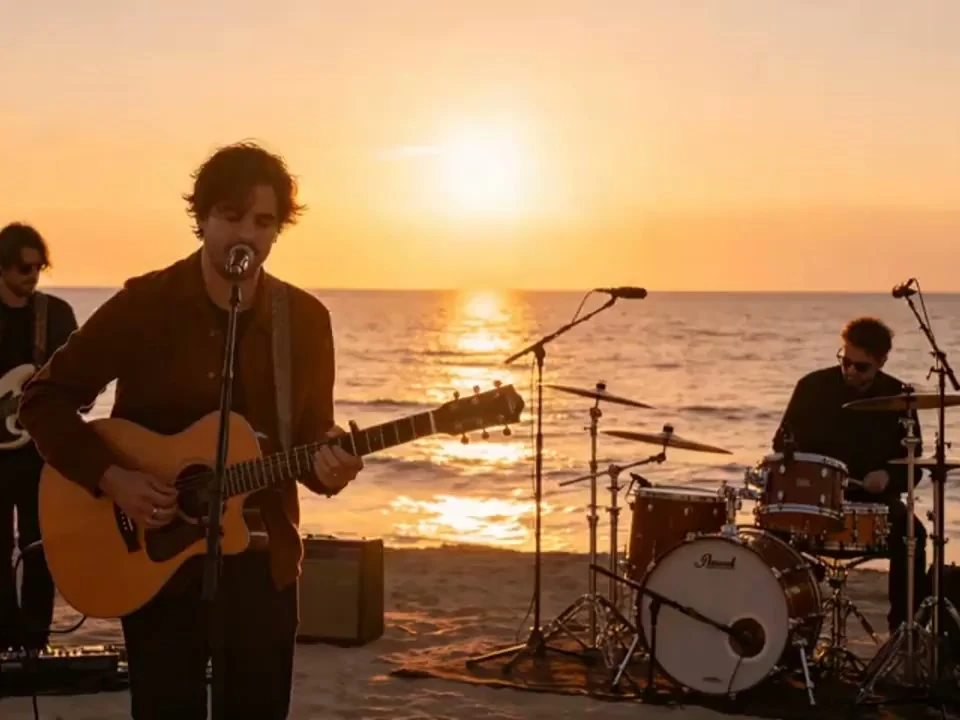
Kling4 explainer still: a band playing live on a beach at sunset

Kling 4.0 Capabilities: Length, Control and Sound

The Kling 4.0 upgrades fall into three areas: longer takes, scene control and multilingual sound. The demo clips beside each tab come from models in the studio today.

Kling4 text to video still: a woman driving a red convertible by the sea

30-Second Single Takes in a New 21:9 Frame

According to Kling, Kling 4.0 stretches one generation to 30 seconds, so a product reveal, a walk-through or a full exchange of dialogue plays without a cut. Framing adds 21:9 and Auto to 16:9, 9:16 and 1:1.

Highlights

  • No Mid-Scene Cut

    Tracking shots and slow reveals can run from start to finish in one take.

  • Ultrawide 21:9

    A cinema-style frame for landscapes, chases and opening titles.

  • Beat-by-Beat Prompts

    Prompts of up to 8,000 tokens leave room to script each beat of a long take.

What the Kling 4.0 Spec Sheet Lists

Six entries from Kling's release notes for the full model and its Flash tier; items marked coming soon are labelled that way.

01Length

Takes Up to 30 Seconds

Kling 4.0 produces clips from 3 to 30 seconds in one generation, long enough for a full scene with dialogue.

02Resolution

4K at the High End

Output comes in 720p, 1080p or 4K. The notes list 10-bit HDR at 1080p and 4K, marked coming soon.

03Framing

Wide, Tall, Square or Auto

Choices run 21:9, 16:9, 9:16, 1:1 and Auto. The ultrawide 21:9 is new compared with the Kling 3 models in this studio.

04Editing

Editing Across Up to 5 Clips

Kling 4.0 can edit existing footage from up to 5 input clips, one of them primary, 30 seconds combined.

05Prompt

8,000-Token Prompts

Kling 4.0 accepts prompts of up to 8,000 tokens, room to write shot order, camera moves and exact lines of dialogue.

06Tiers

Flash, the Lighter Tier

Kling 4.0 Flash covers text to video, image to video from a first frame and Omni Reference at 3 to 20 seconds, 720p and 8-bit SDR.

Three Steps from Prompt to Finished Clip

The studio below runs the Kling 3 series with Kling V3 Turbo preselected, and Kling 4.0 joins the same picker once it opens to third-party platforms.

  1. 01
    Step

    Pick the Model for the Shot

    Open the picker and choose from the studio's video models. You can switch to another model at any time in the same panel.

  2. 02
    Step

    Add a Prompt or Image, Then Set the Frame

    Type the scene or upload an image, then set the aspect ratio, resolution and clip length that the chosen model offers.

  3. 03
    Step

    Generate, Review, Then Download

    Generate the clip, review it and adjust the prompt if a detail is off. Downloads need the Basic plan or higher.